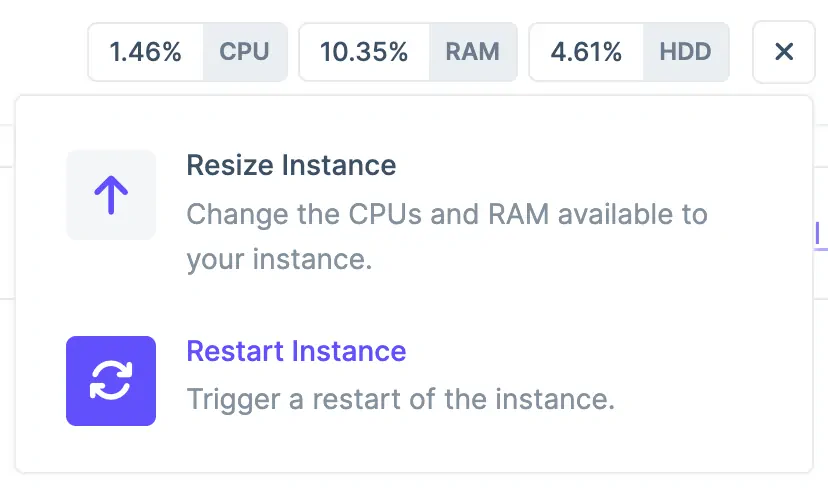
To restart an instance, navigate to the deployment with the instance(s) you’d like to restart and locate it in the “App Instances” list. Locate the gear icon on the right-hand side of the instance to reveal its menu, and then, click the “Restart Instance” option.
Locating the Restart Instance Menu Option
Restart events take 30-60 seconds on average. If your deployment type is standalone, or, you’re restarting your load balancer, your app will be temporarily unavailable during this process.